How HappyMOD APK Works: Simple Guide for Beginners
HappyMOD APK is a third-party platform where Android users can find modified versions of apps and games. These modified apps are usually called mod APKs. Some users search for HappyMOD because they want extra features, unlocked tools, or different app versions.
However, beginners should understand how HappyMOD works before downloading anything. Modified APK files are not the same as official apps from Google Play Store. They may be useful for testing, but they can also bring security and privacy risks.
This guide explains HappyMOD APK in simple words so beginners can understand its working, features, risks, and safe-use tips.
What Is HappyMOD APK?
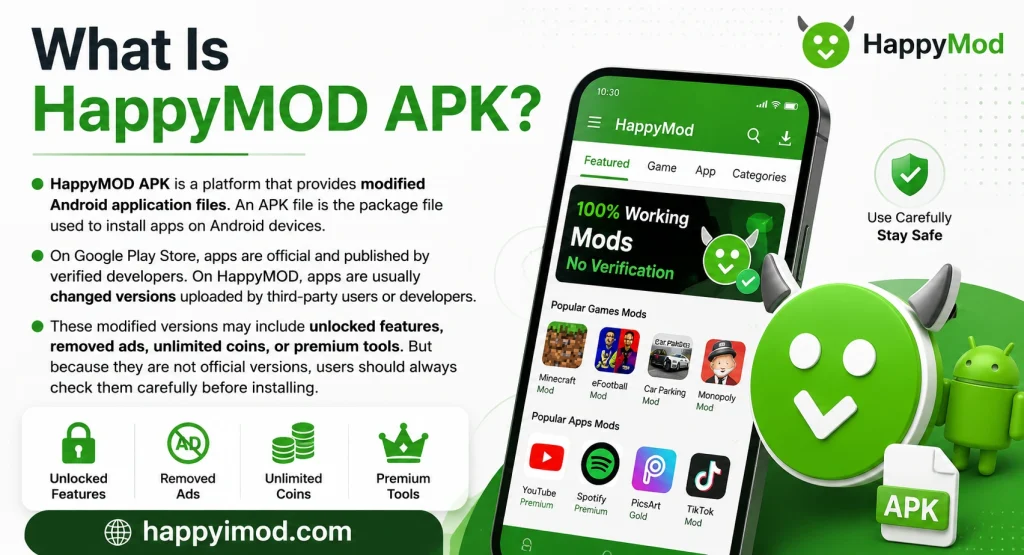
HappyMOD APK is a platform that provides modified Android application files. An APK file is the package file used to install apps on Android devices.
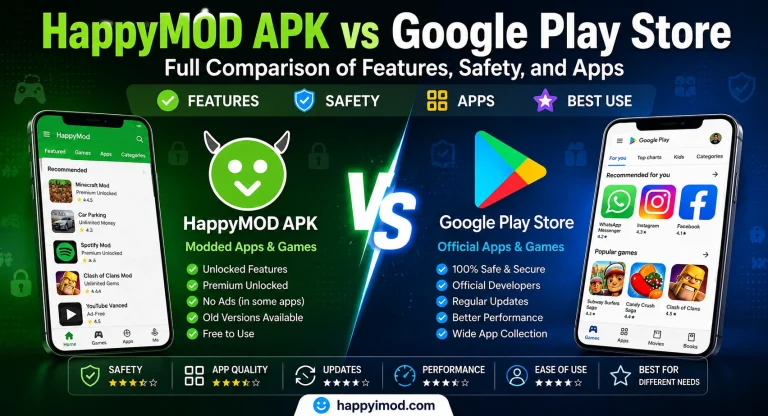
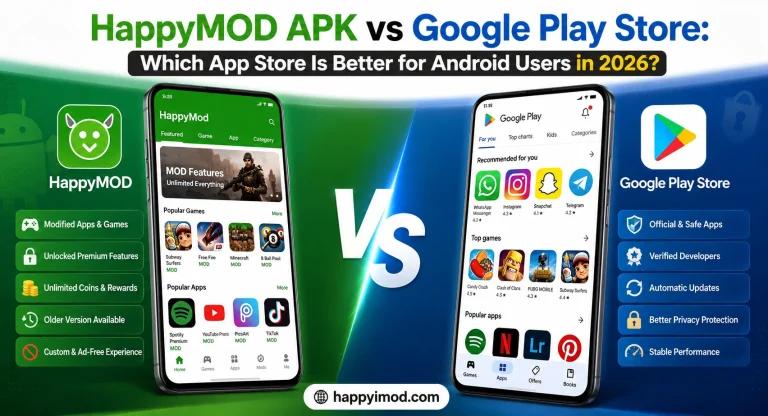
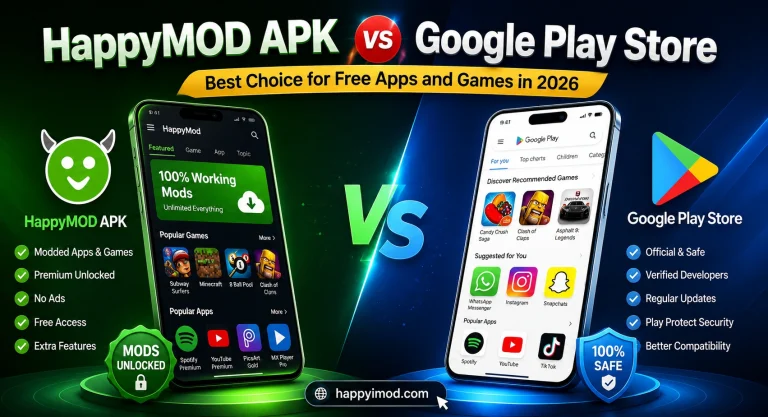
On Google Play Store, apps are official and published by verified developers. On HappyMOD, apps are usually changed versions uploaded by third-party users or developers.
These modified versions may include unlocked features, removed ads, unlimited coins, or premium tools. But because they are not official versions, users should always check them carefully before installing.
How HappyMOD APK Actually Works
HappyMOD works like a community-based APK platform. Different users or developers upload modified APK files. After that, other users download those files, test them, and share reviews.
This review system helps beginners understand whether an APK is working or not. Some app pages may show ratings, comments, version details, file size, and download information.
When a user chooses an app, they download the APK file manually. After downloading, the Android device may ask for permission to install apps from unknown sources. Once permission is allowed, the APK can be installed.
How Users Download Apps From HappyMOD
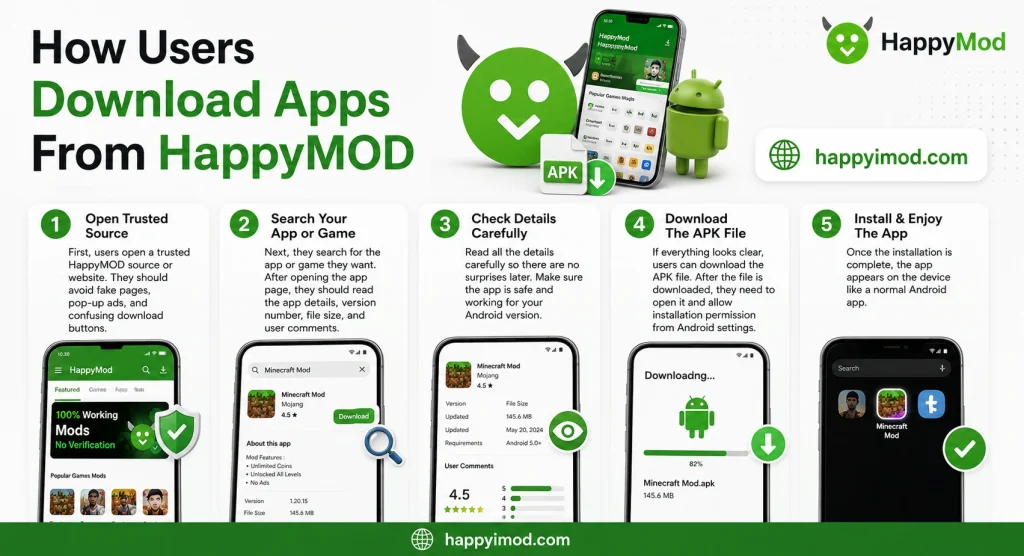
First, users open a trusted HappyMOD source or website. They should avoid fake pages, pop-up ads, and confusing download buttons.
Next, they search for the app or game they want. After opening the app page, they should read the app details, version number, file size, and user comments.
If everything looks clear, users can download the APK file. After the file is downloaded, they need to open it and allow installation permission from Android settings.
Once the installation is complete, the app appears on the device like a normal Android app.
Difference Between Original Apps and Mod APKs
Original apps come from official developers and are usually available on Google Play Store. These apps get regular updates and security checks.
Mod APKs are changed versions of original apps. They may include extra features, but they are not always safe or stable.
Original apps are better for privacy, security, and long-term use. Mod APKs may work for testing, but they can cause problems if the file is unsafe or poorly modified.
Main Features of HappyMOD APK
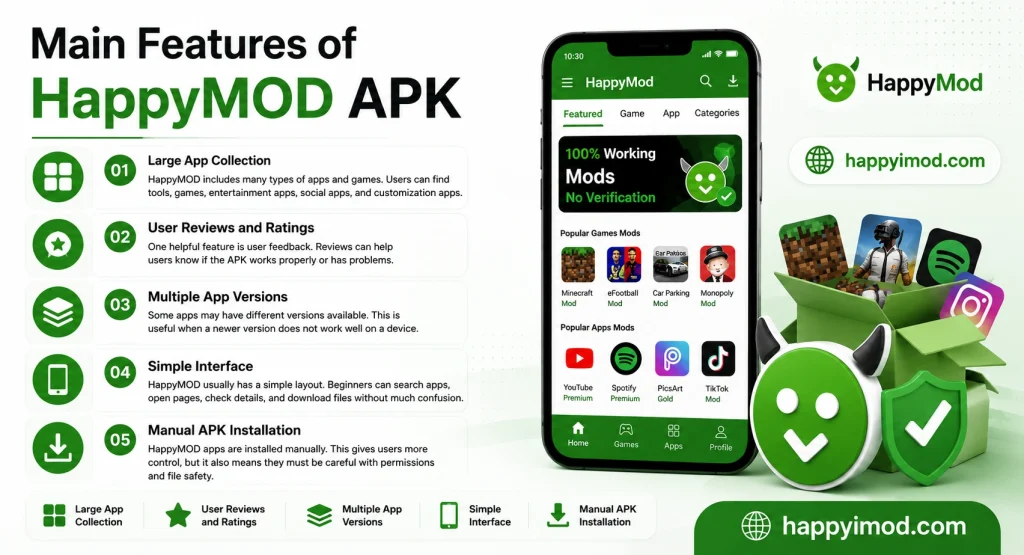
Large App Collection
HappyMOD includes many types of apps and games. Users can find tools, games, entertainment apps, social apps, and customization apps.
User Reviews and Ratings
One helpful feature is user feedback. Reviews can help users know if the APK works properly or has problems.
Multiple App Versions
Some apps may have different versions available. This is useful when a newer version does not work well on a device.
Simple Interface
HappyMOD usually has a simple layout. Beginners can search apps, open pages, check details, and download files without much confusion.
Manual APK Installation
HappyMOD apps are installed manually. This gives users more control, but it also means they must be careful with permissions and file safety.
Why Some Users Prefer HappyMOD
Some users prefer HappyMOD because it may offer extra features that are not available in official apps. For example, some games may include unlocked levels, extra coins, or special tools.
Some users also like older app versions because they may run better on low-end devices. Others use mod APKs only for testing before choosing an official app.
Still, users should remember that modified apps are not risk-free. They should never use them with banking apps, personal accounts, or private information.
Is HappyMOD Safe for Beginners?
HappyMOD is not completely risk-free. Since the apps are modified by third parties, users cannot always know what changes were made inside the APK file.
Some unsafe APK files may contain malware, unwanted ads, or harmful code. Some apps may also ask for permissions they do not really need.
Beginners should be extra careful. They should read reviews, check ratings, scan APK files, and avoid apps that look suspicious.
Common Risks of Using Mod APK Apps
Security Risks
Unsafe APK files can contain viruses or malware. These files may slow down the phone, show unwanted ads, or damage data.
Privacy Problems
Some modified apps may ask for access to contacts, SMS, camera, microphone, or storage. If an app asks for unnecessary permissions, it is better to avoid it.
Device Performance Issues
Poorly modified apps may crash, freeze, or make the device slow. They can also use too much battery or storage.
Account Ban Risks
Online games and apps may ban accounts if users use modified versions. This is common in competitive games.
Fake Download Websites
Many fake websites use similar names to confuse users. These pages may offer harmful files instead of real APKs.
How To Use HappyMOD More Safely
Always download APK files from a trusted source. Do not click random ads or pop-up links.
Read user reviews before installing any app. If many users report problems, avoid that APK.
Scan the APK file with antivirus software before opening it. This small step can help detect harmful files.
Do not use your main email, bank account, or personal accounts inside modified apps.
Also, keep your Android phone updated. System updates improve security and protect your device from many risks.
Devices That Support HappyMOD APK
HappyMOD mainly works on Android devices. It can be used on Android phones and tablets.
Some users may also use HappyMOD on PC through Android emulators like BlueStacks, LDPlayer, NoxPlayer, or MEmu Play.
HappyMOD does not officially work like a normal iPhone app because iOS has stronger app installation limits.
Can HappyMOD Work on PC?
Yes, HappyMOD can work on a Windows PC with an Android emulator. An emulator creates an Android-like environment on your computer.
Users first install an emulator, then download the HappyMOD APK, and install it inside the emulator.
For smooth performance, the PC should have enough RAM, storage, updated graphics drivers, and a stable internet connection.
Common Problems Beginners May Face
APK Not Installing
This may happen if unknown sources permission is turned off. It can also happen when the APK is not compatible with the Android version.
Download Failed
A weak internet connection can stop the download. Users should try again with a stable connection.
App Crashing
Some mod APKs may not work properly on all devices. Older phones may face more crashes.
Permission Issues
If important permissions are blocked, the app may not open or work correctly.
Slow Phone Performance
Large or unsafe APKs may slow down the phone. If this happens, users should uninstall the app quickly.
Tips Before Installing Any Mod APK
Before installing any mod APK, users should back up important data.
They should check app permissions carefully and avoid apps that ask for strange access.
Users should also keep antivirus protection active and remove any app that behaves strangely.
Most importantly, beginners should avoid using personal or financial information inside modified apps.
Conclusion
HappyMOD APK works by providing modified Android APK files that users can download and install manually. It may offer extra features, different versions, and unlocked tools, but it also comes with risks.
Beginners should understand that mod APKs are not the same as official apps. They should always check reviews, scan files, avoid suspicious permissions, and protect their personal data.