HappyMOD APK vs Google Play Store: Which Platform Offers Better Mod APK Access?
Android users have many ways to download apps and games. The most common platform is the Google Play Store because it is official, safe, and easy to use. But some users also search for other platforms like HappyMOD APK because they want modded apps, unlocked features, or ad-free versions.
HappyMOD APK and Google Play Store are very different from each other. One focuses on official apps, while the other focuses on modified APK files. In this guide, we will compare both platforms in simple words so users can understand which one is better for mod APK access, safety, updates, and daily use.
What Is HappyMOD APK?
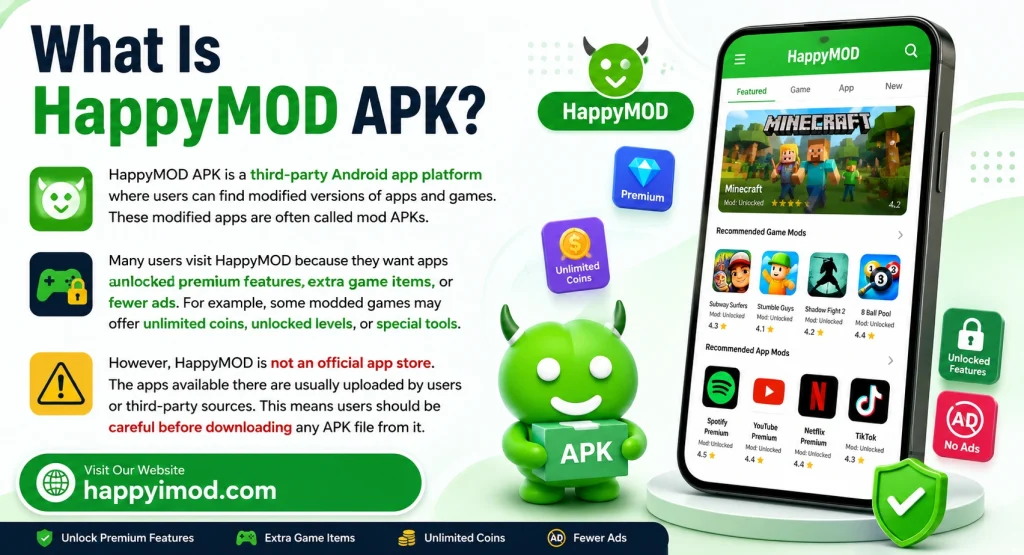
HappyMOD APK is a third-party Android app platform where users can find modified versions of apps and games. These modified apps are often called mod APKs.
Many users visit HappyMOD because they want apps with unlocked premium features, extra game items, or fewer ads. For example, some modded games may offer unlimited coins, unlocked levels, or special tools.
However, HappyMOD is not an official app store. The apps available there are usually uploaded by users or third-party sources. This means users should be careful before downloading any APK file from it.
What Is Google Play Store?
Google Play Store is the official Android app store. Most Android phones already have it installed. Users can download apps, games, books, movies, and other digital content from it.
The biggest benefit of Google Play Store is safety. Apps are checked before they are published. Google also scans apps to reduce the risk of harmful files.
Google Play Store is best for users who want official apps, regular updates, and trusted developer support.
Main Difference Between HappyMOD APK and Google Play Store
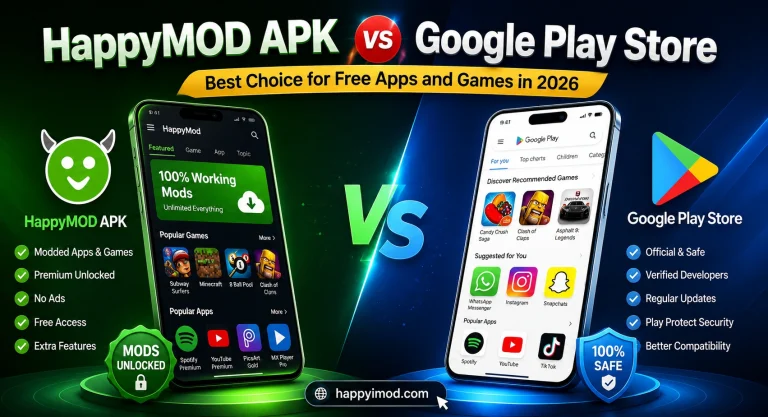
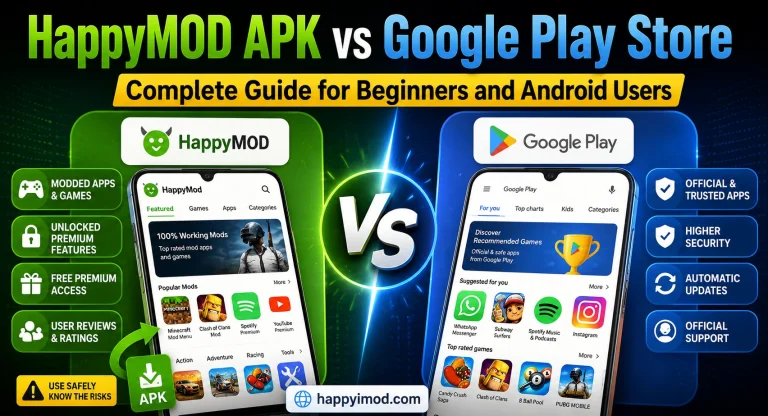
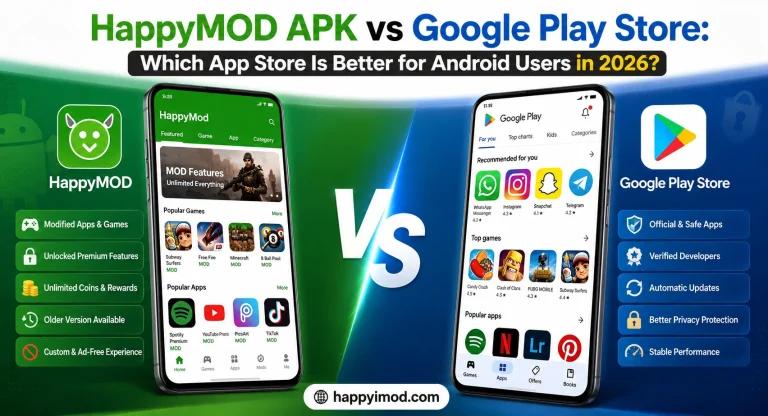
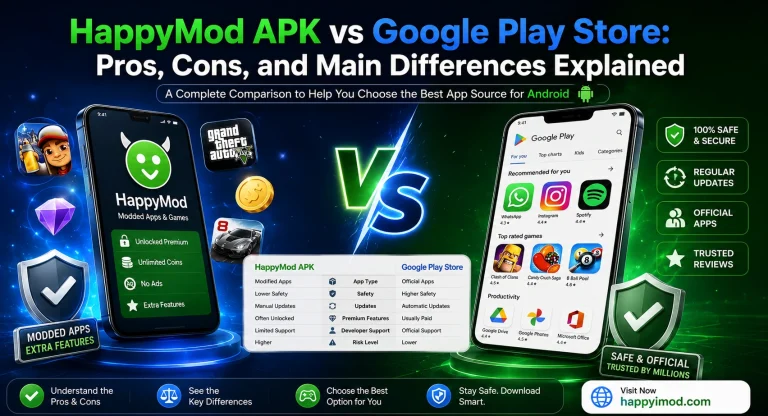
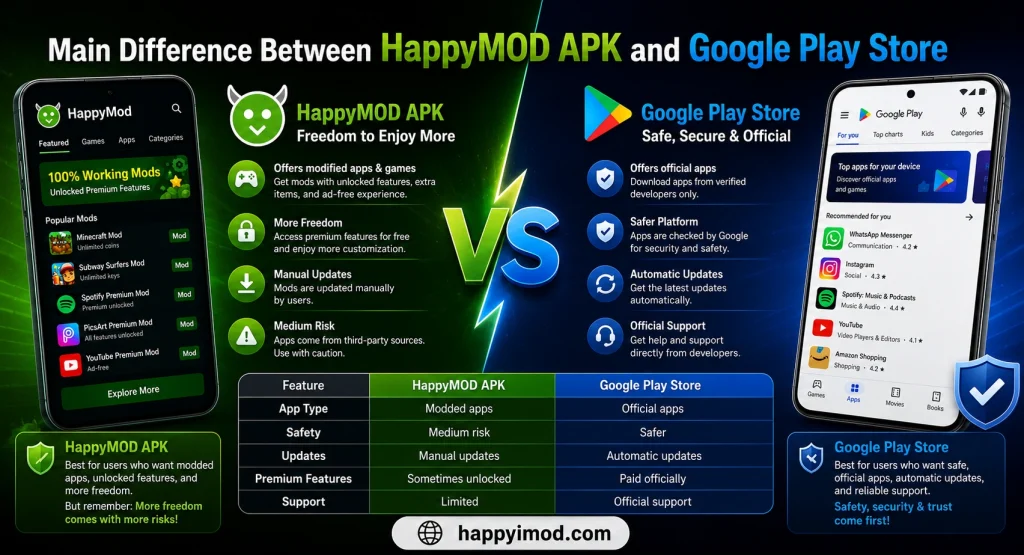
The main difference is simple. Google Play Store offers official apps, while HappyMOD APK offers modified apps.
Google Play Store is safer because apps come from verified developers. Users also get automatic updates and official support.
HappyMOD APK gives more freedom for users who want modded apps. But this freedom comes with more risks because modified APK files are not always checked in the same way as official apps.
|
Feature |
HappyMOD APK |
Google Play Store |
|---|---|---|
|
App Type |
Modded apps |
Official apps |
|
Safety |
Medium risk |
Safer |
|
Updates |
Manual updates |
Automatic updates |
|
Premium Features |
Sometimes unlocked |
Paid officially |
|
Support |
Limited |
Official support |
Why Do People Search for Mod APK Platforms?
Many users search for mod APK platforms because they want extra features without paying. Some people want ad-free apps, unlocked tools, or game resources.
For example, a user may search for a modded game because they want unlimited coins or unlocked levels. Some users also test modified apps for fun or learning.
But users should understand that mod APKs are not always safe. Some files may contain bugs, broken features, or unsafe permissions.
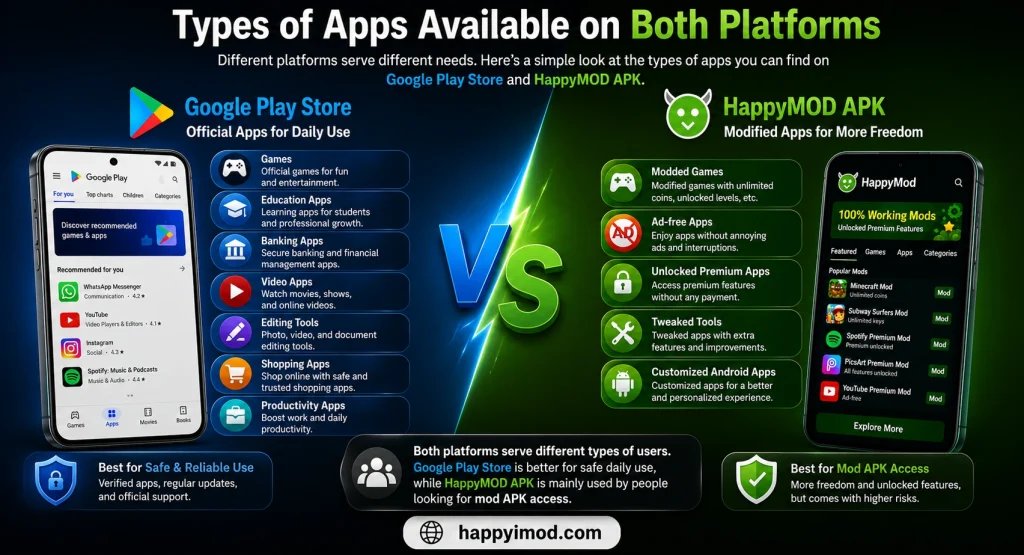
Types of Apps Available on Both Platforms
Google Play Store usually provides official apps for daily use. These include:
HappyMOD APK mostly provides modified versions of apps and games. These may include:
Both platforms serve different types of users. Google Play Store is better for safe daily use, while HappyMOD is mainly used by people looking for mod APK access.
Which Platform Gives Better Mod APK Access?
For mod APK access, HappyMOD APK gives more options than Google Play Store. This is because Google Play Store does not allow modified APK files that break app rules or developer policies.
HappyMOD APK is made for users who want modified apps and games. It often includes different versions of the same app, so users can choose the version they want.
But better access does not always mean better safety. Users should always check reviews, permissions, and file details before installing any mod APK.
Safety and Security Comparison
Google Play Store is safer for most users. It checks apps before allowing them on the platform. It also uses security tools to scan apps and protect Android devices.
HappyMOD APK has more safety risks because apps are modified and uploaded from third-party sources. Some APK files may work well, but others may contain bugs, unwanted ads, or harmful code.
Common safety risks include:
For beginners, Google Play Store is the safer option. Advanced users who use mod APKs should be extra careful.
App Updates and Latest Version Support
Google Play Store gives automatic updates. When an app developer releases a new version, users can update the app easily from the Play Store.
HappyMOD APK does not always update apps quickly. Modded apps depend on third-party uploaders. Sometimes a mod APK may stop working after the official app updates.
This is common with online games and apps that need server support. Users may need to uninstall the old version and install a new APK manually.
User Experience and Interface
Google Play Store has a clean and simple design. Users can search apps, read reviews, check ratings, and install apps with one tap.
HappyMOD APK also has categories, search options, and app details. But its main focus is mod APK browsing. Some users may find it useful, while beginners may find APK installation a little confusing.
For easy use, Google Play Store is better. For mod browsing, HappyMOD gives more options.
Download and Installation Process
Google Play Store is very easy to use. Users only need to open the app, search for the app they want, and tap install.
Google Play Store Steps
HappyMOD APK needs manual installation. Users may also need to allow installation from unknown sources.
HappyMOD APK Steps
This process may be easy for advanced users, but beginners should be careful.
Ads and Premium Features Comparison
Many official apps on Google Play Store use ads or paid plans. This helps developers earn money and keep improving their apps.
HappyMOD APK may offer versions with ads removed or premium features unlocked. This is one reason many users search for mod APK platforms.
However, these features may not always work properly. Some modded apps crash, fail to update, or stop working after some time.
Users should remember that official premium features are safer when purchased through the original app.
Risks of Using Mod APK Files
Mod APK files can be useful for testing, but they also have risks. Users should understand these risks before installing any unofficial app.
Some common risks are:
This is why users should never install random APK files without checking them first.
Legal and Privacy Concerns
Some mod APKs may break the rules of the original app. They may unlock paid features without permission from the developer.
This can also affect app creators because they lose income from paid plans, ads, or in-app purchases.
Privacy is another concern. Third-party apps may not protect user data like official apps. Users should avoid logging in with important accounts on unknown modded apps.
Which Platform Is Better for Normal Users?
For normal users, Google Play Store is the better choice. It is safer, easier, and more trusted for daily app downloads.
Users get official updates, developer support, and better protection. It is also simple enough for beginners and younger users.
If someone only wants safe apps for daily use, Google Play Store is the best option.
Which Platform Is Better for Advanced Android Users?
HappyMOD APK may be better for advanced users who understand APK files and security risks. It gives more freedom to test modded apps and unlocked features.
But advanced users should still be careful. They should scan files, read reviews, and avoid apps that ask for strange permissions.
HappyMOD is better for mod APK access, but it is not safer than Google Play Store.
Tips for Safe APK Downloads
If you download APK files, follow these safety tips:
These steps can help reduce problems, but they cannot remove all risks.
Common Problems and Easy Solutions
|
Problem |
Easy Solution |
|---|---|
|
APK not installing |
Enable unknown sources |
|
App keeps crashing |
Install the latest version |
|
Login not working |
Clear app cache |
|
Slow download speed |
Check internet connection |
|
App not opening |
Restart your phone |
|
Update not available |
Reinstall the new APK |
Most APK problems happen because of old versions, unsupported devices, or broken mod files.
HappyMOD APK vs Google Play Store: Quick Comparison
|
Category |
HappyMOD APK |
Google Play Store |
|---|---|---|
|
Best For |
Mod APK access |
Official apps |
|
Safety |
Less safe |
More safe |
|
Updates |
Manual |
Automatic |
|
Installation |
Manual APK install |
One-tap install |
|
Premium Access |
Sometimes unlocked |
Official payment |
|
Beginner Friendly |
Medium |
Very easy |
|
Developer Support |
Limited |
Available |
Conclusion
HappyMOD APK and Google Play Store are made for different types of users. Google Play Store is best for safe, official, and daily app downloads. It offers better security, automatic updates, and trusted support.
HappyMOD APK gives better mod APK access for users who want unlocked features, modified games, or extra customization. However, it also comes with more risks.