HappyMOD APK vs Google Play Store: Full Comparison of Features
Android users download apps for gaming, learning, editing, entertainment, and daily tasks. Two names that many users compare are HappyMOD APK and Google Play Store. Both platforms help users find apps, but they work in very different ways.
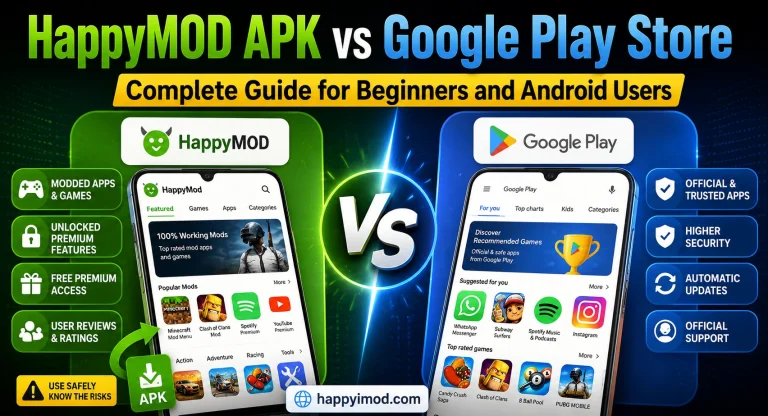
Google Play Store is the official app store for Android devices. HappyMOD APK is a third-party platform mainly known for modded apps and games. In this guide, we will compare both in simple words so you can understand their features, safety, app quality, and best use.
What Is HappyMOD APK?
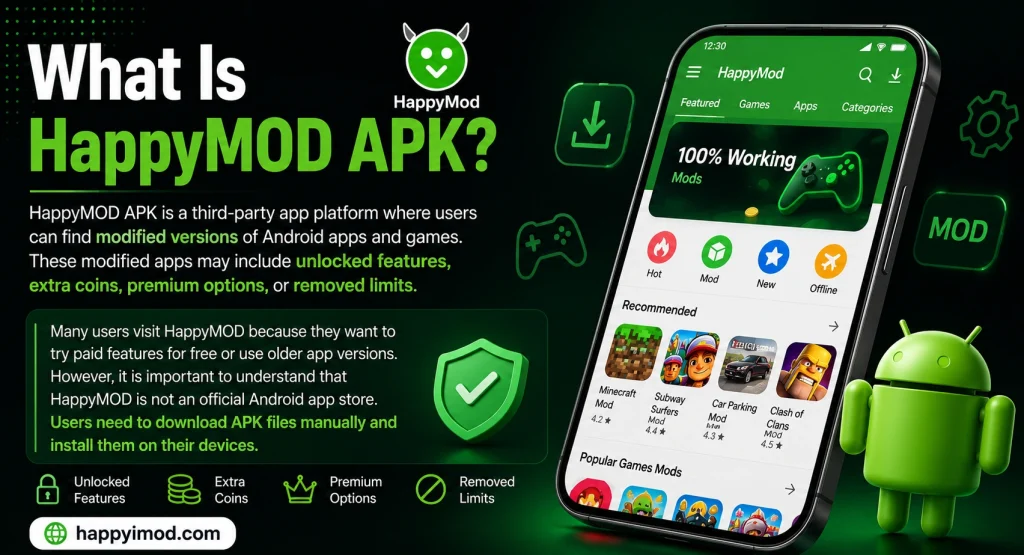
HappyMOD APK is a third-party app platform where users can find modified versions of Android apps and games. These modified apps may include unlocked features, extra coins, premium options, or removed limits.
Many users visit HappyMOD because they want to try paid features for free or use older app versions. However, it is important to understand that HappyMOD is not an official Android app store. Users need to download APK files manually and install them on their devices.
What Is Google Play Store?
Google Play Store is the official app store for most Android phones and tablets. It allows users to download apps, games, books, and other digital content safely.
Most Android devices already come with Google Play Store installed. Users can search for apps, read reviews, check ratings, and install apps with one tap. It also updates apps automatically, which makes it easier for beginners.
Main Difference Between HappyMOD APK and Google Play Store
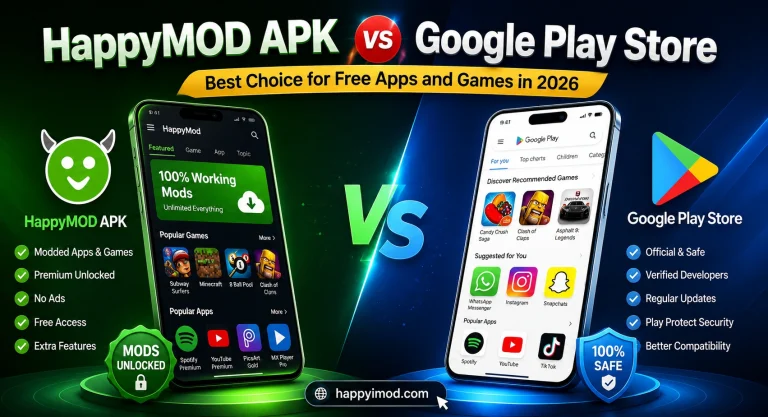
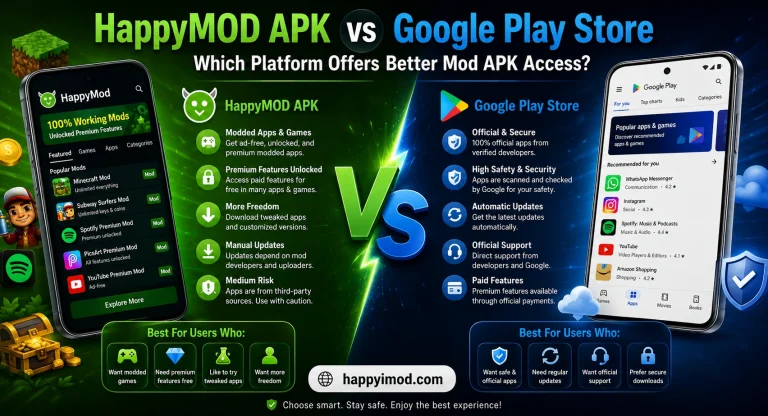
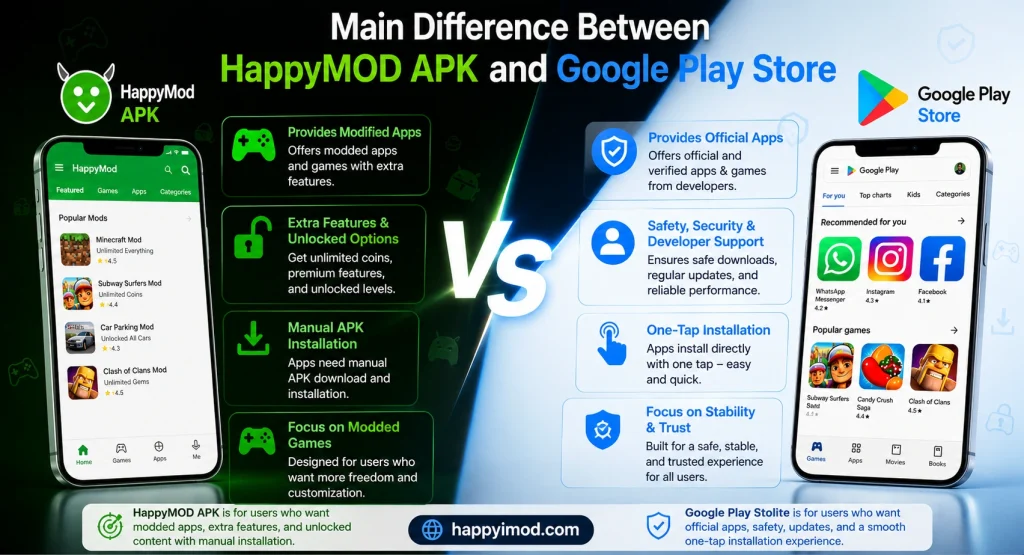
The main difference is simple. Google Play Store provides official apps, while HappyMOD APK provides modified apps.
Google Play Store focuses on safety, developer support, and stable performance. HappyMOD focuses more on extra features, unlocked options, and modded games.
Another big difference is installation. Apps from Google Play Store install directly with one tap. HappyMOD apps usually need manual APK installation, which may be difficult for new users.
Features Comparison Between HappyMOD APK & Google Play Store
App Collection and Variety
Google Play Store has millions of official apps and games. Users can find social apps, learning apps, photo editors, banking apps, games, fitness apps, and business tools.
HappyMOD APK mostly focuses on modded apps and games. It is popular among users who want unlocked features or older app versions. So, Google Play Store is better for official apps, while HappyMOD is mostly used for modified apps.
User Interface and Easy Navigation
Google Play Store has a clean and simple design. Users can search apps, read reviews, check screenshots, and install apps easily. It is very friendly for beginners.
HappyMOD also has categories and search options, but it may not feel as smooth as Google Play Store. Users may need to check mod details, version information, and comments before downloading.
App Updates and Version Support
Google Play Store updates apps automatically when updates are available. This helps users get bug fixes, new features, and better security without doing extra work.
HappyMOD apps usually need manual updates. Users may need to download a new APK version again. One good thing is that HappyMOD may provide older versions of some apps, which can be useful if the latest version does not work well on a device.
Download and Installation Process
Google Play Store is easier for installation.
HappyMOD installation takes more steps.
For beginners, Google Play Store is clearly easier.
Extra Features and Customization
HappyMOD APK is popular because some apps include extra features. For example, a modded game may offer unlocked levels, unlimited coins, or removed ads.
Google Play Store apps usually follow official rules. Premium features may require payment or subscription. This makes Google Play more secure, but less flexible for users who want modified options.
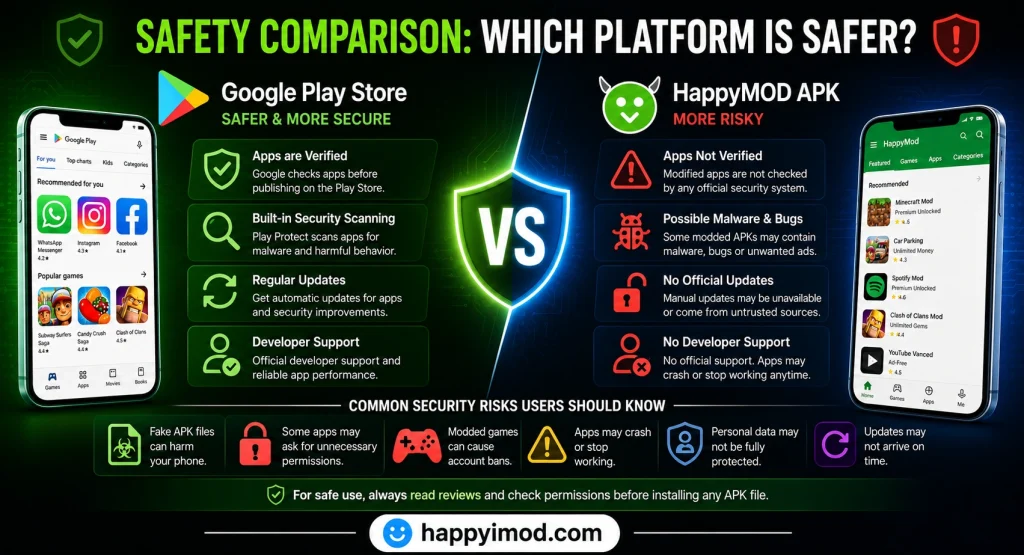
Safety Comparison: Which Platform Is Safer?
Google Play Store Security Features
Google Play Store is safer for most users because it checks apps before allowing them on the platform. It also uses security systems to scan apps and protect users from harmful software.
This does not mean every app is perfect, but Google Play Store is still the safer choice for daily app downloads. Users also get official updates and better developer support.
HappyMOD APK Safety Overview
HappyMOD APK can be useful for testing modded apps, but it also comes with more risk. Since apps are modified, they are not always checked in the same way as official apps.
Some modded APK files may contain bugs, unwanted ads, or unsafe permissions. This is why users should be careful and avoid downloading from unknown or fake websites.
Common Security Risks Users Should Know
Here are some risks of using third-party APK platforms:
For safe use, always read reviews and check permissions before installing any APK file.
App Quality and Performance Comparison
Stability and Smooth Performance
Apps from Google Play Store are usually more stable because they come from official developers. They are tested for normal users and updated often.
HappyMOD apps may work well, but some can crash or show errors. Since these apps are modified, performance depends on the mod version and device compatibility.
Ads and Premium Access
Google Play Store apps may show ads or offer paid subscriptions. This is how many developers earn money and continue improving their apps.
HappyMOD apps may remove ads or unlock premium features in some cases. However, users should remember that modified apps may not always be safe or stable.
|
Feature |
HappyMOD APK |
Google Play Store |
|---|---|---|
|
App Type |
Modded apps |
Official apps |
|
Updates |
Manual |
Automatic |
|
Safety |
Higher risk |
Safer |
|
Premium Features |
Sometimes unlocked |
Usually paid |
|
Beginner Friendly |
Medium |
Very easy |
Gaming Experience
HappyMOD is popular among gamers because some modded games offer unlimited coins, unlocked levels, or extra items. This can make offline games more fun for testing.
But online games are different. Using modded versions in online games can lead to bans or account loss. Google Play Store is safer for players who want fair and stable gaming.
Supported Devices and Compatibility
Android Device Support
Both platforms mainly support Android devices. Google Play Store works on most Android phones and tablets by default.
HappyMOD also works on Android, but users need to install APK files manually. Some modded apps may not work on all Android versions.
PC Support and Emulators
Users can run HappyMOD APK on a PC with Android emulators. Popular emulators include:
Google Play Store can also be used inside many Android emulators. For normal users, this is easier because the installation process is more official and stable.
iPhone and iOS Support
Google Play Store is not made for iPhone because iOS uses the Apple App Store. HappyMOD is also mainly designed for Android APK files.
Some websites may claim to offer HappyMOD for iOS, but users should be very careful. Many of these methods are not official and may not work properly.
Pros and Cons of HappyMOD APK
Pros
Cons
Pros and Cons of Google Play Store
Pros
Cons
Which Platform Is Better for Different Users?
Best Choice for Safe Daily Use
Google Play Store is better for daily use. If you want safe apps for banking, study, social media, editing, shopping, or work, Google Play Store is the smarter choice.
It offers official apps, better updates, and stronger security. Beginners should use Google Play Store because it is simple and safer.
Best Option for Mod Features
HappyMOD APK may be useful for users who want to test modded apps or unlocked features. It can be interesting for offline games and app testing.
However, users should not treat it like a fully safe platform. It is better to use it carefully and avoid giving personal data to unknown apps.
Best Platform for Students and Beginners
For students and new Android users, Google Play Store is the better option. It is easy to use, safer, and does not require manual APK installation.
HappyMOD can be confusing for beginners because it needs extra settings and careful checking before installation.
Tips to Stay Safe While Downloading Apps
Follow these safety tips before downloading any app:
These simple steps can protect your phone and personal information.
Conclusion
HappyMOD APK and Google Play Store both serve different types of users. Google Play Store is best for safe, official, and stable apps. It is better for daily use, students, beginners, and users who care about privacy.
HappyMOD APK is mostly for users who want modded apps and extra features. It may be useful for testing, but it also comes with more risks. If safety is your first priority, Google Play Store is the better choice. If you still use HappyMOD, use it carefully and avoid sharing personal information with unknown apps.